WallStatus
English
ItalianoEnglishEspañolDeutschFrançaisРусский中文日本語العربية
Version 1.20.0 · Windows · macOS · Free

Your video wall, managed from the browser

WallStatus turns a Windows PC or a Mac connected to one or more screens into a video wall: dashboards, web pages, cameras, documents, monitoring and full-screen messages, configured from a web panel, even from your phone.

What WallStatus does

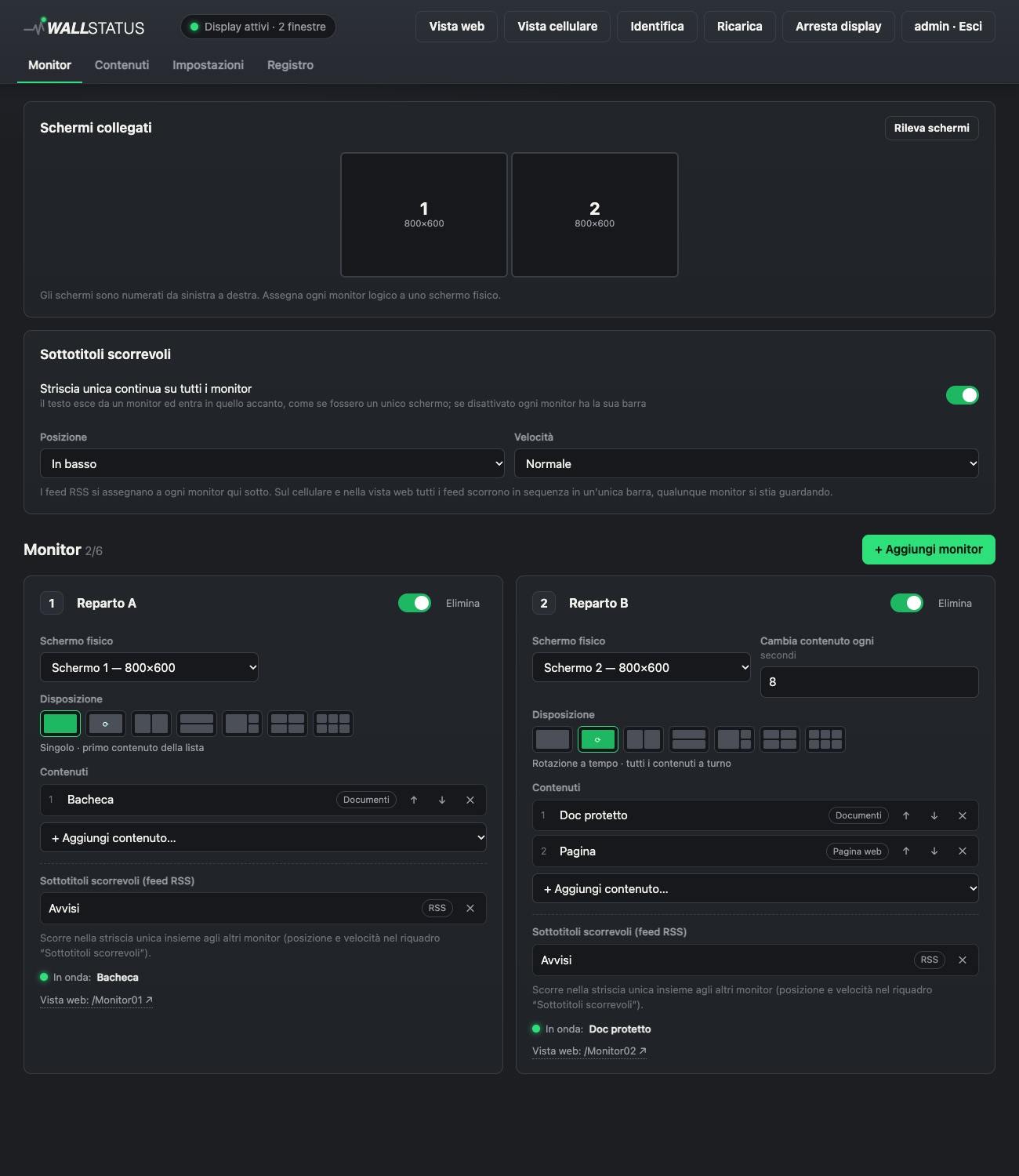
Up to 6 monitors and virtual monitorsEach screen with its own layout: single, timed or manual rotation, 2 side by side, grids of 3, 4 or 6 tiles.
Any contentWeb pages and dashboards, images, videos, YouTube, Twitch, HLS streams, Teams, PDF, Word, Excel and PowerPoint documents.
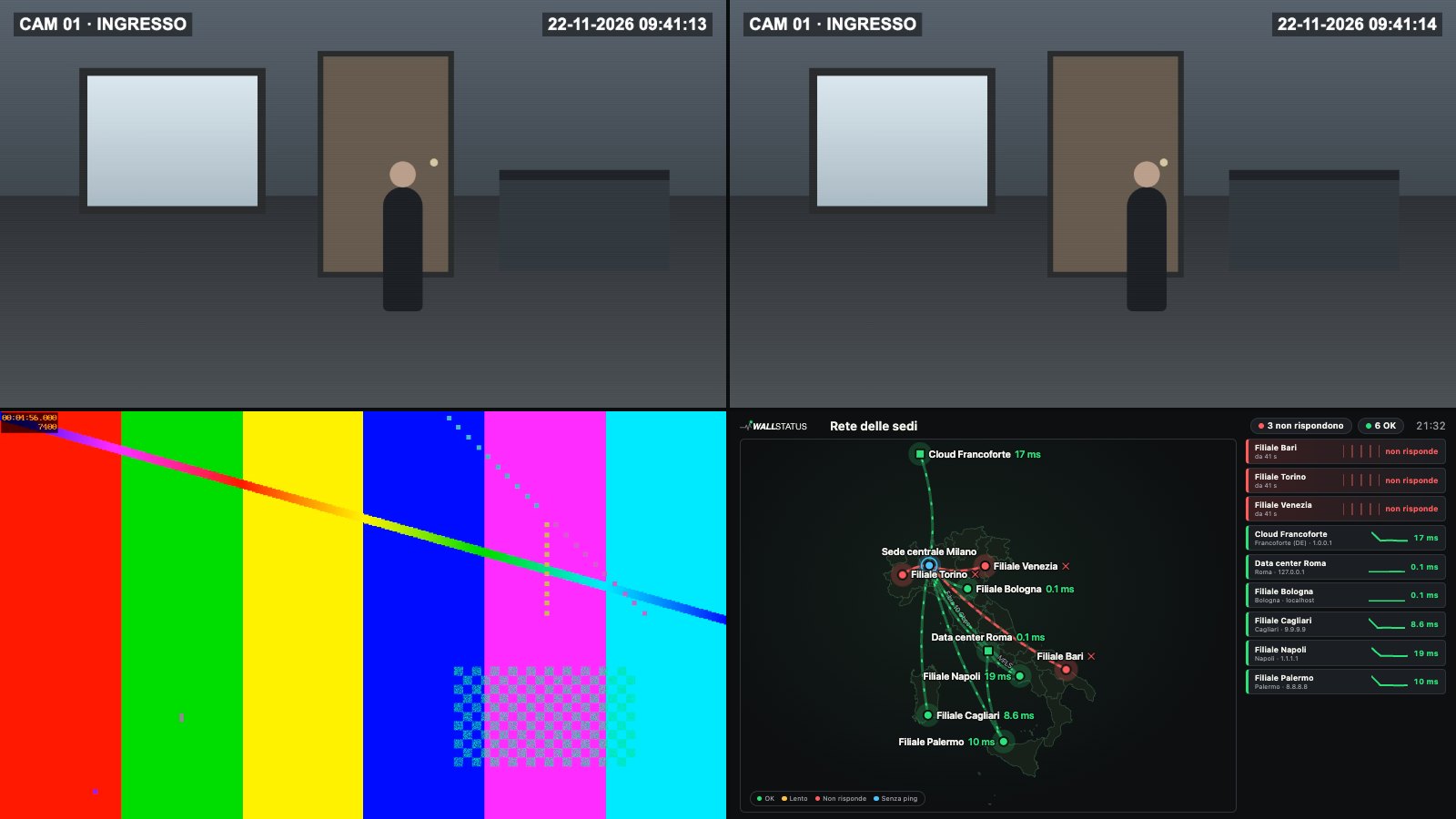
IP cameras and webcamsRTSP (Hikvision, Dahua, Axis, Reolink, UniFi…), MJPEG and password-protected snapshots, USB webcams, with guided set-up by brand.
Server monitoringPing, ports, websites, certificates, disks, backups, services and processes, with Pushover, e-mail and Telegram notifications.
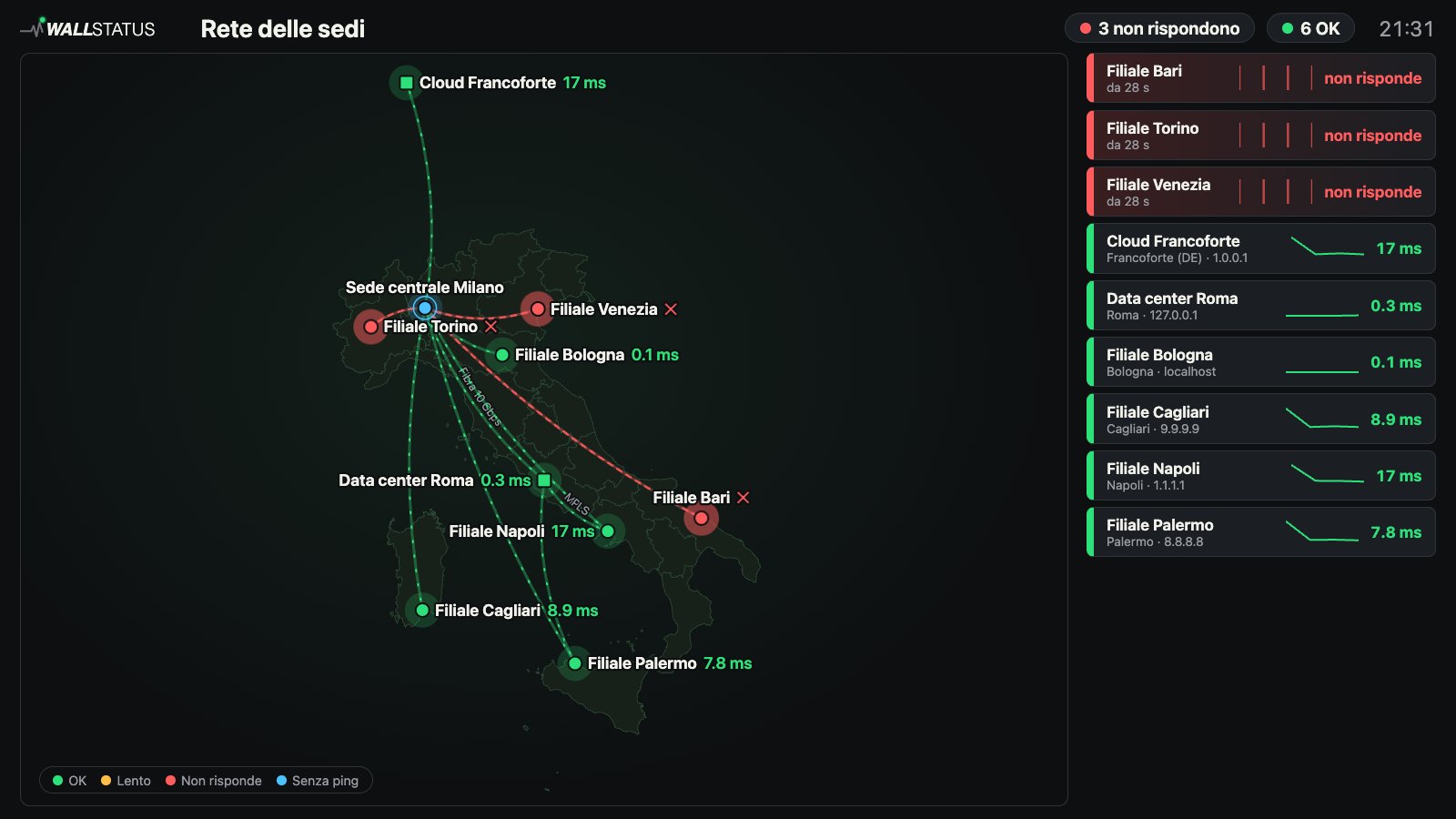
Bandwidth and site mapRouter traffic charts and a map of Italy with your sites and pings flowing along the links.
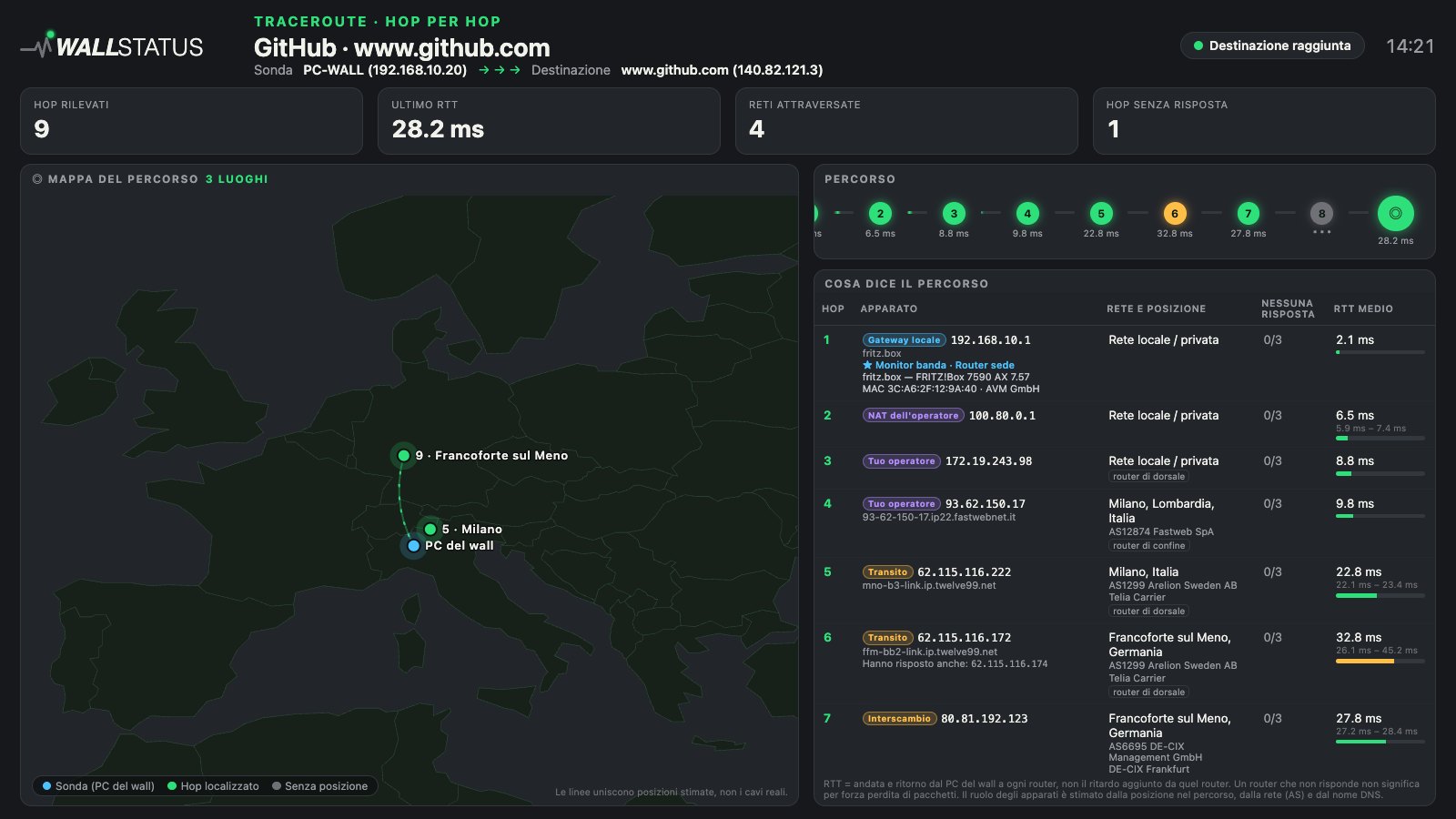
Visual tracerouteThe route from the wall to an address, hop by hop, on a world map, even shown on a monitor.
Messages and sound alertsAlerts in the foreground on the monitors, scheduled by date and time, with built-in or uploaded sounds, even from a web page.
SchedulingA content item on a monitor at a given time, every day or on certain days; scheduled PC shutdown and restart.
Only when there are problemsStatus pages, RSS feeds and X accounts stay hidden while everything is fine and appear on their own when they report something.
Web and mobile viewWhat each monitor is showing, live in the browser and on your phone, with remote control and optional audio.
Users and permissionsEach user with their own permissions, the monitors they can see and an expiry date; encrypted passwords. Password change required at first sign-in and password reset by administrators, as in Active Directory.
Your brand, your languageCompany logo, colours and fonts, date and time on the monitors; interface in 9 languages and new languages from XML files.

Get started in three steps

  1. Install WallStatusWindows: extract the ZIP and run «Installa WallStatus». Mac: open the DMG and drag the app to Applications.
  2. Open the panelOn the wall PC press Ctrl+Shift+A (or open http://127.0.0.1:8088/admin) and create the administrator account.
  3. Add contentCreate content items, assign them to monitors and choose the layout: the displays update immediately.

No cloud, no subscription

WallStatus is a single program that runs on the wall PC and uses the browser already installed (Edge or Chrome): no accounts, no telemetry, no developer servers. Configuration and passwords stay on the computer, encrypted.

Requirements

Windows 10 or 11Microsoft Edge (already included). No administrator rights required.
macOS 11 or laterGoogle Chrome or Microsoft Edge; Apple Silicon and Intel.
RTSP cameras (optional)ffmpeg on the wall PC: winget install ffmpeg (Windows) or brew install ffmpeg (Mac).

Download

Packages for the current version, with the Italian and English manuals included (the others are below). To update an installed version just start the new one: users, content and passwords are kept.

SystemFileSize
Windows 10/11
ZIP with guided installation, update and uninstallation
WallStatus-1.20.0-Windows.zip
7487025b3035a804…
38.3 MBDownload
macOS 11+
Universal DMG (Apple Silicon and Intel), with the uninstall script
WallStatus-1.20.0-Mac.dmg
9d0d98822fe6fa89…
64.8 MBDownload

SHA256SUMS.txt · SHA-256 checksums to verify file integrity.

Manuals

Complete user manual, with screenshots, in every language: PDF to download or read in the browser. The same manual is in the app's Help tab.

All manuals (ZIP) · 74.9 MB

Interface languages (XML)

XML files of the ready-made languages. To correct a translation or add a language: download a file, translate the texts between <text> and </text> and upload it to WallStatus from Settings → Languages.

All languages (ZIP) · 771 KB

Contact

Questions, problems or ideas about WallStatus? Write here and I will reply to the address you give.

Your message is delivered by email through the Resend service and is not stored on the site. No cookies.

Prefer your own email app? Write to contatti@bytenooks.com.